
Blog

Mobile applications have been around for over two decades. They are at the center of the way we work and live. Historically, the creation of mobile apps was limited to developers with programming experience.
Now, it’s possible to create apps without any coding knowledge using modern no-code platforms. So, if you’re a business owner, you can create your own app, too.
However, building a no-code app is still a serious undertaking. There’s still some basic knowledge you need before diving in.
In this guide, we’ll explain everything you need to know about how to build a no-code app that connects to any data source.
What Is a No-Code App?
A no-code app is a mobile application you can easily assemble without complex programming. Unlike low-code platforms or vibe coded apps, these apps rely on no-code tools and visual logic rather than traditional coding.
No-code apps still have code. So, in a way, the term “no-code app” is a misnomer.
However, developers can use a visual editor and code tools to build their apps rather than writing back-end code.
A visual editor (or internal tool) looks something like this:
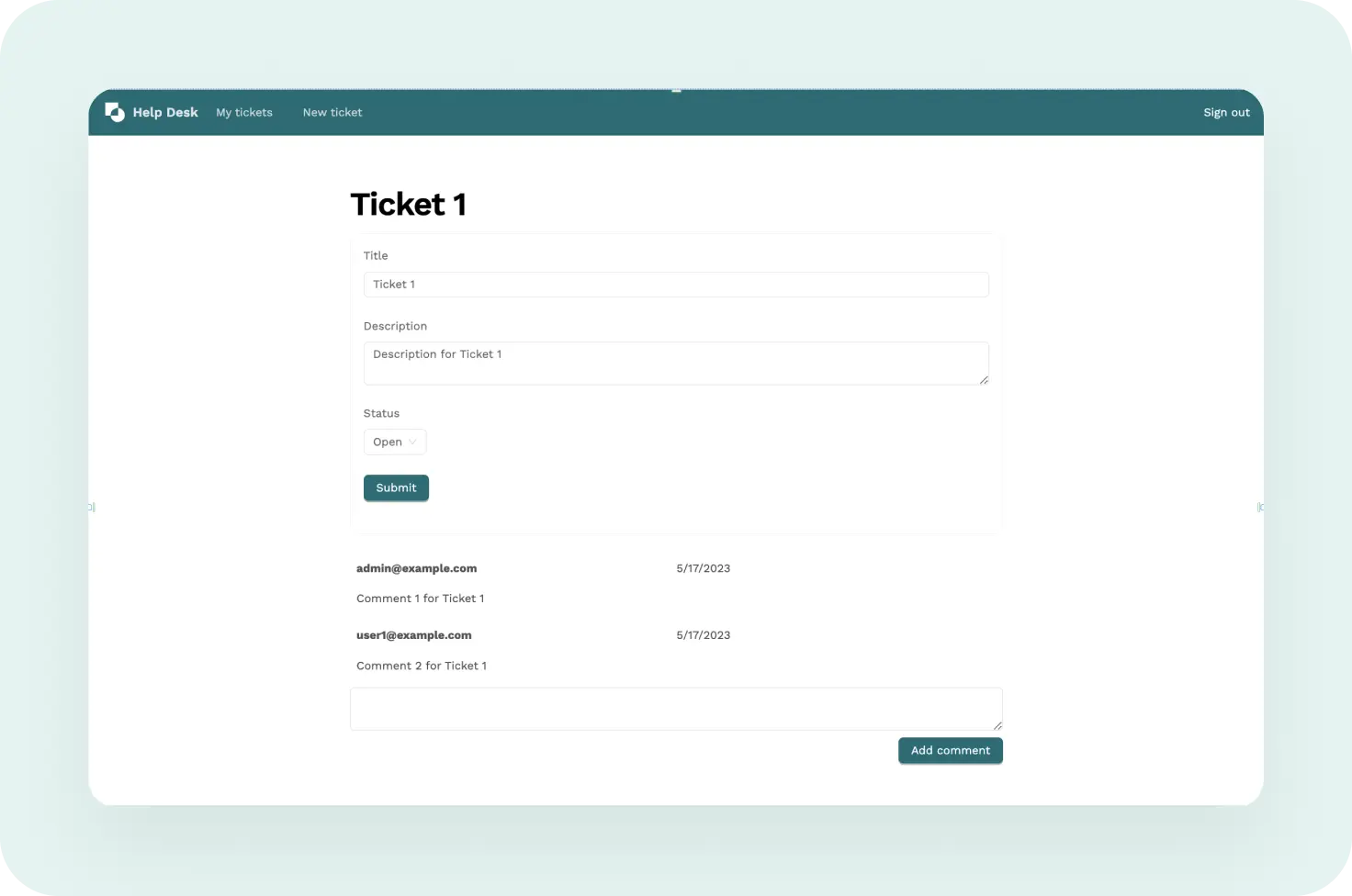
Most no-code app builders offer a drag-and-drop interface that makes it easy for anyone to assemble a mobile device app. To that end, you can use a no-code app builder to create:
- Office apps for managing invoices and automating HR processes
- Online shopping and restaurant reservation apps
- Workforce automation apps that allow employees to clock in and out of work
- Project management tools to streamline business processes
- Decentralized apps (DApps)
This is how no-code apps work in a nutshell. Next, let’s look at how they connect with multiple data sources. Naturally, you’ll need to connect your app to various data sources to maximize data privacy or cut costs.
Some examples of common data sources include:
- MySQL
- Oracle
- Sybase
- Dropbox
- Google Sheets
- AWS
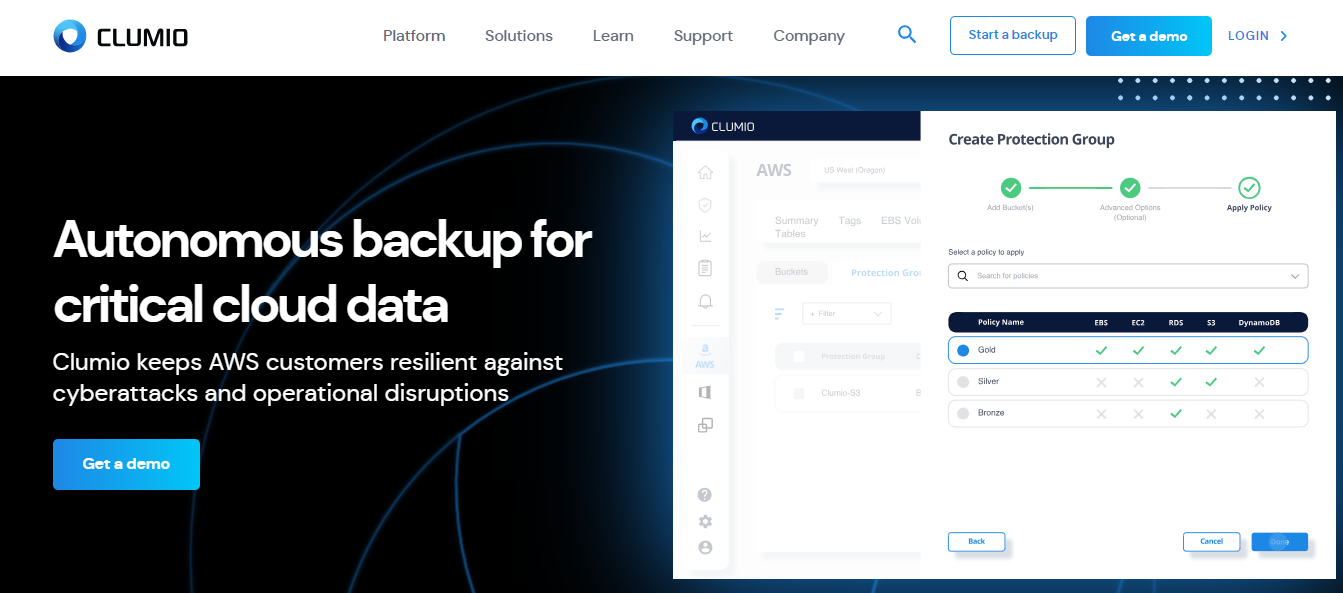
When developing a code-free app that connects to any data source, one of the most critical aspects to consider is user data security.
Ensuring data is safe and secure should be a priority at every stage of app development. One effective way to protect user data is to implement a cloud data backup and recovery solution.
What Are the Pros and Cons of Building a No-Code App?
Creating your own no-code app can be a great solution, but it’s not always the easiest one. We’ll cover some benefits and drawbacks below.
Pro: No Coding Experience Is Required
The greatest benefit of creating a no-code application is that it requires no programming experience. It’s perfect for DIYers. You may need some training on how to use the no-code app builder, but that’s about it.
These app builders use drag-and-drop components, pre-made application features, and templates. There’s also plenty of additional information available to dig into if you want to really master the software.
Pro: Lower Costs
Using no-code tools can free up the time it takes for your company’s IT team to do the same work.
With the additional time, they can focus on more beneficial tasks for your company, such as reducing operational costs and managing AI app development more efficiently. For businesses that need additional technical expertise alongside no-code tools, companies such as Codemites can support the development of more customized application features.
Pro: Reduced Support Issues
Since a no-code app builder is an all-in-one solution, developers no longer have to download unsupported third-party tools.
Unauthorized third-party tools are a pain for IT teams to track and can cause security issues.
Con: Difficult Integrations
If you allow integrations with other apps, you’ll need to pull in data from other sources.
While some no-code app builders allow integrations, you must know basic programming to get the job done.
Con: Limited Versatility
The most pressing drawback of building a no-code app is being confined to the limits of your templates. Coding an app from scratch means you have endless possibilities for how it turns out.
No-code apps don’t provide this kind of versatility. That’s the cost of the convenience of designing an app without coding.
How Much Does It Cost to Build a No-Code App?
Creating a traditional app can cost $10,000 to $40,000. Complex apps can cost more than $100,000.
On top of that, you’ll have to assemble a team of:
- iOS and Android developers
- Web developers
- Project managers
- App designers
- Quality assurance specialists
Building a no-code app lets you bypass all these overhead costs. Now that we’ve covered the pros and cons of creating a no-code app, let’s discuss how to build one.
Step #1: Choose a No-Code App Builder
The first step is to choose an app builder platform. Here are some main considerations you should make:
Reputation
There is a wealth of different no-code tools on the market right now. Choosing the wrong one can have disastrous results for your business and result in wasted time and money.
To make sure you’re choosing the best app for your business, here are some tips to follow:
- Check customer reviews to see if a no-code app platform lives up to its hype.
- Download the apps from these case studies and see how they work.
User Interface
If you’re using a no-code app builder, you should focus on selecting a platform with an easy-to-use UI.
UI with drag-and-drop features is perfect for most people without coding knowledge. You can simply pick whatever features you want and drop them where you like.
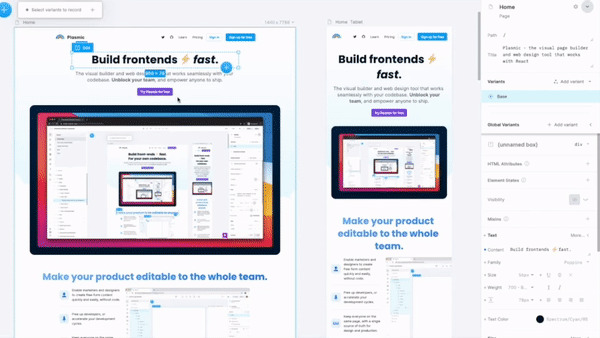
All you have to do is visit the no-code development platform and test their UI yourself.
Customization Options
Different platforms offer different customization options. If you want to build a basic app, this won’t be a problem.
However, if you’re considering adding integrations and other advanced features, you should opt for apps that offer them. However, be prepared to pay a premium for a more advanced app builder.
Step #2: Choose a Template and Customize It
This step is one of the best things about designing your mobile app via no-code tools. Why? No-code app builders come with pre-built templates.
Depending on the type of app you want to create, you can likely find a template that has all the features you’re looking for to ensure a consistent user experience across devices.
Once you choose a template, customize it with your:
- Business information
- Branding elements
- Content assets and images
Customization is essential here. You can use tools like Piktochart to design visuals for your no-code app. It's important that your app is on brand with your website and social media accounts.
Ensure all visuals are consistent and high quality. Consider creating designs and uploading them into your no-code app. If you ever need to edit your design, it'll be easy to do.
Step #3: Prioritize Data Security
When venturing into creating a no-code app that connects to multiple data sources, certain factors can significantly enhance your project's success. No-code platforms allow users to build applications without deep programming knowledge. Similarly, an AI agentic platform for job search can automate parts of the job discovery process by analyzing opportunities and matching them with user preferences.
One such factor is the adoption of modern security measures like passwordless user authentication. This includes biometric recognition or one-time email verification to streamline user access without compromising security features.
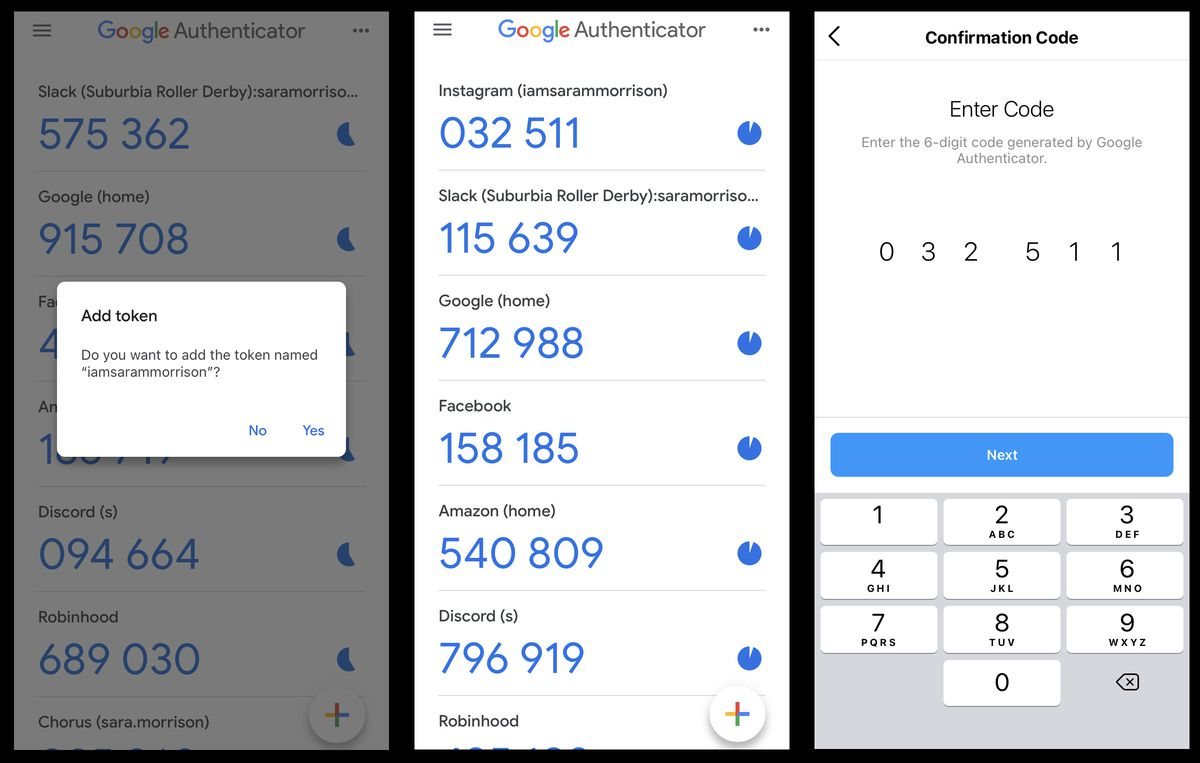
This approach simplifies the user experience and adds a vital safeguard for the data flowing through your app, aligning perfectly with the ethos of efficient and secure no-code app development.
Step #4: Pull From Multiple Data Sources
Mobile applications function by pulling data from a source and presenting it on-screen. For example, an employee scheduling app pulls real-time data from employee schedules and displays it for the viewer.
If you’re building an app that connects to multiple data sources, you’ll need to arrange your data into specific data formats and use a data automation tool.
A data automation tool is what your app builder will integrate with to pull from multiple data sources. When you finish this, you can move on to the final test.
Step #5: Test and Publish
Before you launch your no-code app, you’ll need to test it first. App-builders allow you to test your app on its platform before publishing it to app stores.
Create a log and test the app until you’re satisfied that you’ve fixed all the bugs.
Conclusion
There you have it. Five steps to building your very own no-code app.
While no-code isn’t right for every use case, modern no-code platforms make it possible to build powerful, secure, and scalable apps without traditional development.
If your business needs an app, taking the no-code route could be the smartest move you make.
Related Posts
.webp)


Become An Omnichannel Retailer
Take a personalized tour of XStak's retail operating modules with our Sales experts and learn how XStak can enable you to grow.
